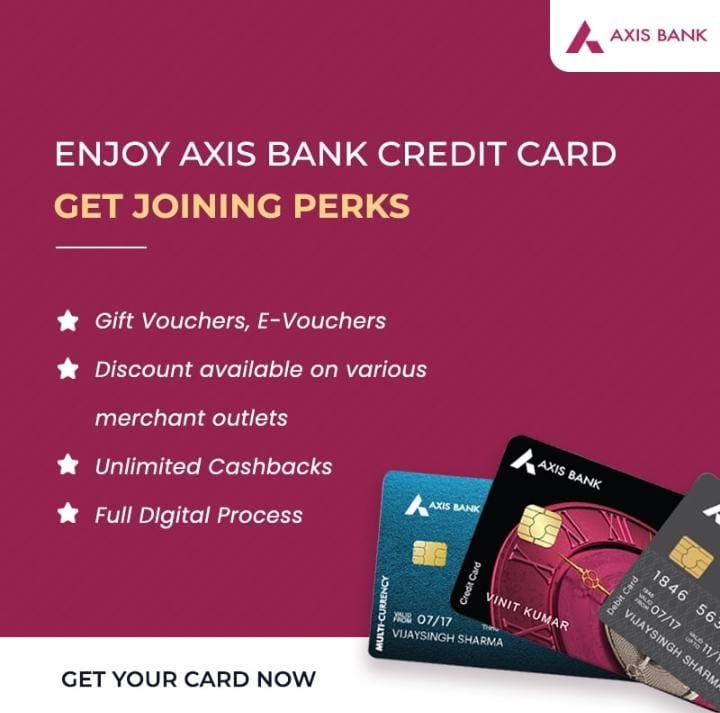
Axis Bank is one of the private sector banks to offer a wide range of credit cards. The Bank is currently offering multiple variants of credit cards each customized to cater to different needs.
Features;
▪️Cashback options ▪️Higher purchase limits ▪️Enjoy unlimited discounts from various merchant outlets ▪️Create your own credit card using MyDesign
How to Apply?
1. Click on the link shared and enter their name & mobile number to continue. After that yoi will be redirected to the Axis Bank Credit Card’ webpage
2. To start the process, Axis bank will ask a question ‘Are you existing Axis Bank customer? You need to click on ‘Yes’ or ‘No’
3. On next page you need to enter mobile number and PAN details, area pin code and annual income and then verify with the received OTP
4. Fill all personal details carefully and proceed
5. Now you need to submit employment details and select the card which you wish to apply for.
Note: Axis Bank will check the eligibility and then it will show the Cards to choose
6. The Axis bank will send a notification to whether you are eligible for the card or NOT
7. On next level if you are approved/ eligible, you will get a call from Axis Bank to complete the verification process
Yes Bank is one of the topmost and Fastest Growing Banks in India. Its credit cards come with a host of benefits. Customers can save money or get rewarded every time they swipe while paying their dining or shopping bills with YES Bank cards.
Features;
▪️100% digital & paperless process ▪️Rewards on bill payment ▪️Fuel surcharge waiver ▪️Access to Mastercard lounges Special offers on movie tickets, bills, dining, shopping and travel
Eligibility;
▪️Age Group: 21+ years ▪️Employment type: salaried or Self Employed ▪️Monthly income: Rs. 25,000+
1. Click on the link and enter the name, mobile number, email ID, and Pincode then click on ‘start journey now’
2. After this you will be redirected to the official website of Yes Bank to register and apply for the card
3. You need to enter PAN card, mobile number then mark in the check box to accept T&C and click on ‘Save and Continue’
4. Enter Aadhaar card number, mark in the check box then enter OTP received on the mobile number and click on ‘Save and continue’
5. Now you can see the Aadhaar card fetched details on the screen. If the details are correct then click on ‘Yes’ then submit residential details and click on ‘Save and Continue’
6. In the next step you need to enter the office address and choose the preferred communication address
7. Now mention occupation and select anyone option to apply for the card
8. System will verify the details to check the eligibility and you will be informed at the same time. If you are eligible then suitable card options will be suggested.
9. Click on ‘select card’ and view the details and features.
10. Submit personal details and click on ‘Save and continue’
11. On the next step submit employment details and click on ‘Save and continue’
12. In the next step a question will be asked where if you any relation with any director or senior manager of ‘Yes Bank’? You needs to select a right option
13. After that add nominee details and click on ‘Save and continue’
14. Now submit documents like company ID proof, salary slip accept T&C and click on Save and continue’
15. In the next step the you needs to complete a video KYC. Once the KYC is done the final verification will be done and if are eligible and the documents are correct then the card will be approved.
16. You will be notified through message and email. The card will dispatched to your Registered Address in 10 to 15 days
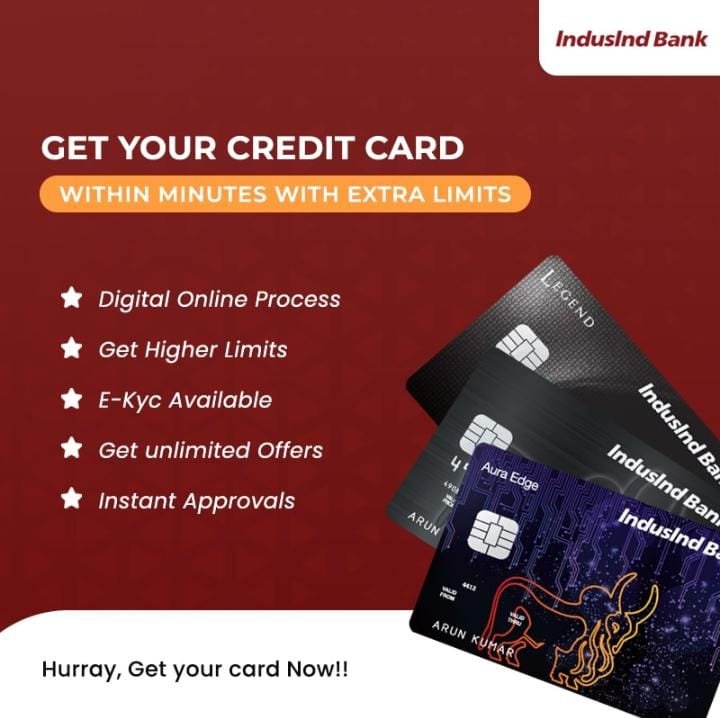
Indusind Bank is amongst the top credit card issuers in India and offers a variety of credit cards that suits varying individual needs. It offers premium credit cards that offer exclusive privileges for its users.
Features;
▪️Get instant reward points on expenditures ▪️Get access to complimentary golf lessons ▪️Enjoy fuel surcharge waiver at the petrol pump ▪️Enjoy pre-trip assistance ▪️Offers on movie tickets ▪️Get access to VIP lounges in the world ▪️100% digital & paperless process ▪️Simple, Fast & Secure
Eligibility;
▪️Age Group: 21+ years ▪️Employment type: salaried (in Services), Self Employed (Small Businesses) ▪️Average work experience: 9 years ▪️Monthly income: Rs. 20,000+ ▪️Credit Score: 720+
1. Click on the link shared by and choose ‘Indusind Credit Card’ from the screen 2. Enter the name and mobile number and click on ‘start journey now’ 3. Now you will be redirected to ‘IndusInd’ website to register 4. Fill the required details like name, email ID, Mobile number Pincode. 5. Click in the check box to accept T&C then click on ‘Verify Mobile No’. Then enter OTP and click on ‘Next’ 6. On next page submit PAN card number and other details, then select employment type & enter monthly income 7. Now enter Aadhaar card number or virtual ID and click on ‘Get OTP’ to verify 8. After verifying OTP, address will be displayed on the screen, select current options to confirm address and proceed. 9. Now you needs to submit employment details, income etc. and proceed to the next step. 10. Then the details will be verified and after checking the eligibility some credit card options will be displayed on the screen. 11. You can choose any card and click on ‘Get Now’ 12. On the next screen submit a few more personal details & click on ‘Next’ 13. Now check all the T&C carefully and mark in the check box to accept it and click on ‘Get OTP’ and verify 14. Now proceed for video KYC and keep documents handy like PAN card, Aadhaar card, and enable access for camera, device, and location. 15. Once the customer will complete video KYC, the application will be submitted & it will be approved by the Induslnd Bank. 16. Once the card will get approved and activated, you will receive the Physical Card to your Registered Address in 10 – 14 days
Order Slicing is an additional feature on the web trading platform that gives an edge to the Active Traders to divide the Large Quantity Order into multiple orders which is known as Child Orders. Order Slicing is important because if its not done than One single large quantity order can have direct implication on market liquidity and price discovery in very next moment. If traders execute a large order into a multiple order in the same stock, in the same direction, and on the same day. The one of the reasons is to minimize and have control on Cost of Carry for holding a position. Consistent with this, we find that traders who engage in order Slicing more often are more active and are larger-size traders.
Functionality: –
Order Slicing functionality is newly introduced features which have been introduced in HSL Pro-Terminal Web Trading Platform and operates in following conditions: –
• Segment – Cash • Exchange – NSE & BSE • Validity – Day for NSE | SES for BSE • Product – CASH Only • Order Type – LIMIT Only • AMO is not supported • Transaction Type – BUY & SELL • No. of Slice – (Min 2) | (Max 25)
Type of Order Slicing: –
Here, it’s a Manual Order Slicing mechanism which is being performed upfront dividing into small – small orders based on the input enter by the users on the order form.
• Type – Manual Slicing • Order Placement – Immediate • All Orders will be Treated independently • All Sliced Orders will be placed One – By – One in Loop – One after another (FIFO)
Steps for Order Slicing: –
1. User has to enter a large order quantity in qty. field on the order form. 2. User has to enter a Limit Price in price field on the order form and that too between the day price range. 3. For Order Slicing – a tick has to be checked. 4. The moment tick is done, below panel (Advance Options) on the order form gets expanded for user to define rest of the required inputs.
Like Credit Card for Non-salaried, Buy Now Pay Later, 5 Min Approval, Pay in EMI
Aspire is like a digital credit card app that works over UPI (anywhere that Google Pay, PhonePe or Paytm work).
Aspire is for you if you use these apps and do not have a credit card!
**** We check bureau (like CIBIL) and don’t approve if you are overdue on other loans. But if you have never taken any loan or credit card, Aspire is for you! ****
Available in Gujarat, Maharashtra, Karnataka, Telangana, Tamil Nadu and Andhra Pradesh.
⭐ EASY TO APPLY Instant approval and activation 100% online process, takes ~ 5 mins No documents needed No application fees
⭐ HOW TO APPLY Click here to Install Aspire App Fill PAN and basic details Complete KYC with selfie and Aadhaar Setup repayment and start shopping!
⭐ BENEFITS Build a credit score and enjoy financial independence Get credit limit increases for your line of credit with timely repayments No interest! No processing fee No pre-payment penalty No security deposit (collateral) Simple monthly fee only when you use Aspire or have balance Coming soon: Rewards and discounts on select purchases
⭐ WHAT YOU GET Pay later for purchases in EMI, anywhere Use at any small shop, market, mall, hospital, Amazon, Flipkart, everywhere! Fixed monthly fee – pay fee only in the months that you use Aspire or have previous outstanding balances in. No Use, No Balance, No Fee!!
⭐ WHERE CAN ASPIRE BE USED As travel EMIs, shopping credit or shopping EMI, hospital credit or hospital EMI, dental EMI, supermarket credit or also as a grocery credit card
⭐ HOW TO USE ASPIRE FOR MAKING PURCHASES Get instant credit on registration to pay in EMI or pay in installments Scan and Pay any UPI QR code with the Aspire app to buy now pay, pay later
⭐ WHO IS ASPIRE FOR You use UPI (Google Pay, Phone Pe, Paytm). You want a credit card! You are not overdue on loans.
⭐ EASY REPAYMENT All spends are split into 4 EMI Monthly billing with bill generated on 1st of each month Due date on 8th of each month
⭐ EXAMPLE OF HOW ASPIRE CHARGES Your credit limit is ₹5,000/- Your monthly fee is ₹150 + ₹27 (GST) = ₹177 per month 1st transaction: You spend ₹4,000/- on Dec 4 Your 4 EMIs (₹1,000/-) will be due on Jan 8, Feb 8, Mar 8, Apr 8 2nd transaction: You spend ₹400/- on Dec 31 Your 4 EMIs (₹100/-) will be due on Jan 8, Feb 8, Mar 8, Apr 8 Jan 1st bill: EMI from 1st transaction = ₹1,000/- EMI from 2nd transaction = ₹100/- Monthly charges = ₹177/- Amount due on Jan 8 = ₹1000 + ₹100 + ₹177 = ₹1,277/-
⭐ ELIGIBILITY CRITERIA You must be 21 years old and an Indian resident Be a user of any UPI app – BHIM, Google Pay, Phone Pe, Paytm, any UPI app PAN number and Aadhaar number (phone should be linked on Aadhaar)
Choice Broking is one of the reliable and popular company enables users to easily open up a trading account. Here are some benefits of Choice Broking Trading Account listed below-
The broking house provides flexibility in opening up a trading account.It provides qualitative products and services to the customers for easy trading. Apart from that, flexible trading platforms are provided for massive trading experience.
Jiffy is the largest SME Market Maker in India and is registered as a Mutual Funds Distributor with AMFI.
Specifications
▪️Zero Account Opening Fee ▪️Dedicated Relationship Manager ▪️Free Call for Trade Facility ▪️Zero Square Off Charges ▪️Expert Advisory Team ▪️Highest Call Success Ratio
🔹Now it will redirect you towards playstore app to download ‘Jiffy Trading app’ 🔹After Downloading the App you need to open the app and create an account 🔹Ask customer to fill personal details like name, mobile number, email id, city etc. now agree T&C and click on submit button 🔹Now customer need to enter OTP received on mobile number and verify 🔹Now customer need to enter PAN number and DOB and proceed to ‘Next’ 🔹Now customer will get pop up message on screen where he/she needs to do verification by OTP received on mobile and email id 🔹Now customer need to complete Digi locker KYC. Click on check box to authenticate Aadhaar 🔹Customer will have to enter Aadhaar number to receive OTP on the mobile number 🔹Enter received OTP and proceed to next process 🔹Now customer need to enter PAN card number and click on fetch 🔹Now customer need to complete selfie KYC, choose device to take selfie 🔹Customer need to Capture selfie from the screen camera and submit Now customer need to fill basic details like father, mother name and marital status 🔹Now customer need to give bank details like IFSC, account number and select account type 🔹Now customer need to upload image of their signature 🔹Now customer need to attach income proof like bank statement/salary statement etc 🔹In next process customer need to select a plan (it will charge some amount for each plans) 🔹Now customer will have to eSign through Aadhaar number 🔹Customer will see NSDL window on the screen, simply enter Aadhaar number and click on send OTP 🔹Enter received OTP and verify 🔹Now customer’s account will be verified from the team and it will be activated within 1 tp 2 working days
NIYOX SAVINGS ACCOUNT IN PARTNERSHIP WITH EQUITAS SMALL FINANCE BANK
NiyoX is here to decode banking for you with an intuitive, easy-to-use app and a 2-in-1 Savings + Wealth account. Opening your digital savings account with NiyoX is fast, efficient, can be done from wherever you happen to be, and is 100% paperless. Banking with NiyoX is quick and easy since we’re here to make things simple, safe and smart and put you in charge of your finances.
Niyox 2-in-1 Savings and Wealth account is the perfect place to start if you’re looking to open a zero balance savings account. Why? Because with NiyoX you get best interest rates on savings and free online fund transfers. We offer you the financial trinity of ₹0 Account Maintenance Charges, 0% commission on Mutual Funds investment, and up to 7% interest p.a.* on your savings to add a touch of 007 to your finances. Niyox wealth offering, powered by Niyo Money, will help you get started on your investment journey so that your money works for you!
How NiyoX puts the ‘X’ in neobanking:
2-in-1 Savings and Wealth Account Virtual Debit Card that helps you start making online transactions as soon as you open your account Card locks and limits that help you control expenses via different payment channels (ATM, card swipes, online, international) Tap & Pay feature and ZERO Forex markup ‘Invest the Change’ feature that lets you save while you spend by investing your spare change Exclusive onboarding deals and regular rewards Wave feature that hides your account balance when you wave your hand over it to keep it safe from prying eyes In-app support and online Community forum to get answers and share feedback
Preparing the Best Financial Dish:
Prep time: Less than 10 minutes Difficulty: Easier than roasting papad Serves: As many as you want
Ingredients:
– Gen X User who wants simple digital banking – PAN – Aadhaar
Recipe for Online Savings Account Opening:
1. Click Here & Download the NiyoX App 2. Enter your phone number (should be the one linked to your Aadhaar) 3. Enter your PAN and Aadhaar number 4. Enter basic personal details 5. Easy management of finances is served
Benefits with your NiyoX Savings Account:
– ₹0 Balance Account – 0% Commission on Mutual Funds Investments – Up to 7% interest on your savings – Invest in domestic and international stocks and get useful mutual funds recommendations via Niyo Money – Auto-invest spare change every time you spend with ‘Invest the Change’ – ₹5,00,000 insurance for your funds by DICGC, a subsidiary of RBI – Choice of designs for a Platinum VISA Debit Card – Earn Equinox reward points every time you spend
Digital Banking Services with a human touch
Digitization has brought the entire world to our smartphones, so it’s only logical that your finances follow suit. Why should there be a need to go to a bank and wait in queues, carry a folder full of documents and fill out complicated paperwork when you can manage your finances from the comfort of your home? This is one of the pain points that NiyoX solves for the modern banker who should have everything at their disposal at a moment’s notice.
Although there is no physical branch, your money is always available for you and is kept secure in your Equitas Small Finance Bank account. If you need help, Niyox is always there to assist you and can be reached at the touch of a button. Niyox use strong encryption protocols to keep your funds safe.
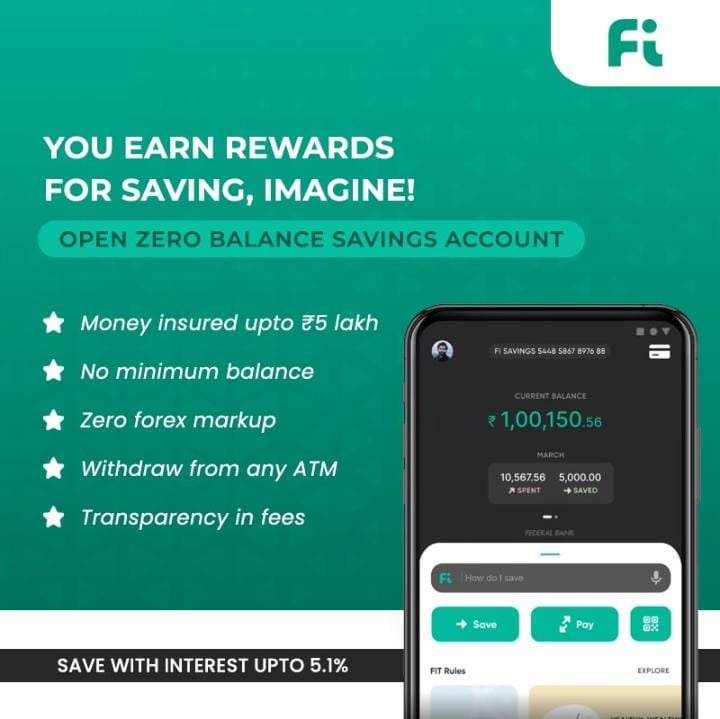
Fi Money Zero Balance Savings Account ( Partnership with Federal Bank)
The smart bank account for working professionals. Track spends, save, do more.
Open a Fi Savings Account online in under 5 mins! Use Fi’s cool features to get better with your money — track your expenses, organise your funds, maximise your savings & automate payments. You also get rewarded for saving🌟
Fi is a one-stop financial services app that comes with an in-built no-minimum-balance savings account! Some prefer calling it a ‘neobank’. Powered by cutting-edge tech, Fi helps you know your money, grow your money & organise your funds. It provides everything from hassle-free UPI Payments to a sleek VISA Debit Card with zero forex charges. Think of it as banking 2.0 for a generation of digital natives 👑
Upstox is one of India’s fastest-growing brokers. A fast, reliable and easy-to-use trading platform with paperless account opening. Open your Demat account now!
🔹Enter your Email Address, Mobile Number and request for OTP then click on Sign up to proceed. 🔹Enter PAN and Date of Birth to proceed 🔹In the ‘Tell us about yourself’ page, enter all necessary details as requested and click on Next to proceed 🔹Select ‘Equity’ in your trading preference and proceed to enter the Bank details 🔹Upload the signature on a blank paper, photo and share the location 🔹Proceed by confirming the email address and confirming that your mobile number is the same as the registered number for your Aadhaar Card 🔹Click on e-Sign Now and proceed with the OTP sent on your Aadhaar registered Mobile Number 🔹The application status will be submitted 🔹The customers UCC (Customer ID) will be created after 2-3 working days and will be ready to use






 Leesom